I kept losing songs from my playlists, so I built PermaMusic
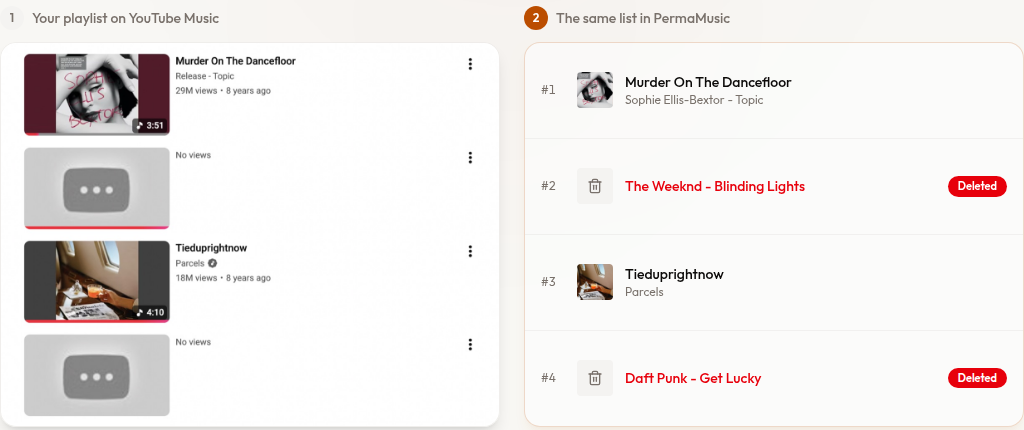
I started saving my favourite music in YouTube playlists more than 10 years ago. At some point I was losing songs from them. YouTube was taking them down because of copyright infringement, and all I had left in the playlist was a deleted entry, with no song and no title.
That pissed me off, so I decided to build PermaMusic (permamusic.app): something that keeps track of what is in my playlists, so I know what disappeared and what it was.
The versions
There were several iterations. The first ones were rudimentary:
- A cron job that saved the playlists into text files.
- The same, but saved into a GitHub repo.
- A React app.
- An AWS backend with queues.
- A Next.js app, and I dropped the AWS part.
- The backend on Cloudflare Workers, D1 and queues.
- The current one, a Laravel app.
I made the first Laravel commit on March 27, 2026, starting from a Laravel template I already had, and two days later I was able to sync my playlists and have the deleted songs flagged.
What it does
You sign in with Google with read-only access, so nothing you do in PermaMusic changes your YouTube data. You pick the playlists you want to track. PermaMusic saves their songs and keeps them up to date.
Deleted songs. When YouTube takes a song down, your playlist says “Deleted video” and the name is gone. PermaMusic still shows the name, marked Deleted, so you can look the song up and add it back to YouTube. PermaMusic checks your playlists in the background on a schedule, so you don’t have to. You get an email when a song disappears, and a notification too if you accept notifications.
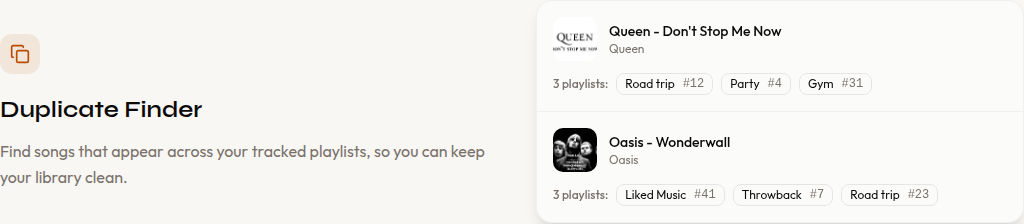
Duplicate finder. You get a list of the songs that appear in more than one of your tracked playlists, with the playlists they are in and the position in each, so you can clean them up.
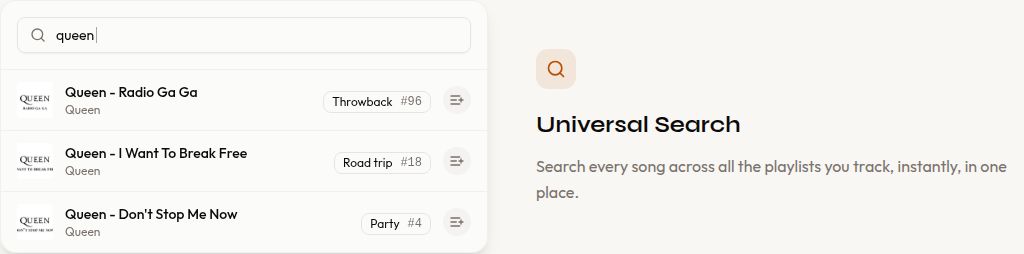
Search across all playlists. YouTube doesn’t let you search across all your playlists. In PermaMusic you search every playlist you track, and for each result you see which playlist the song is in and where.
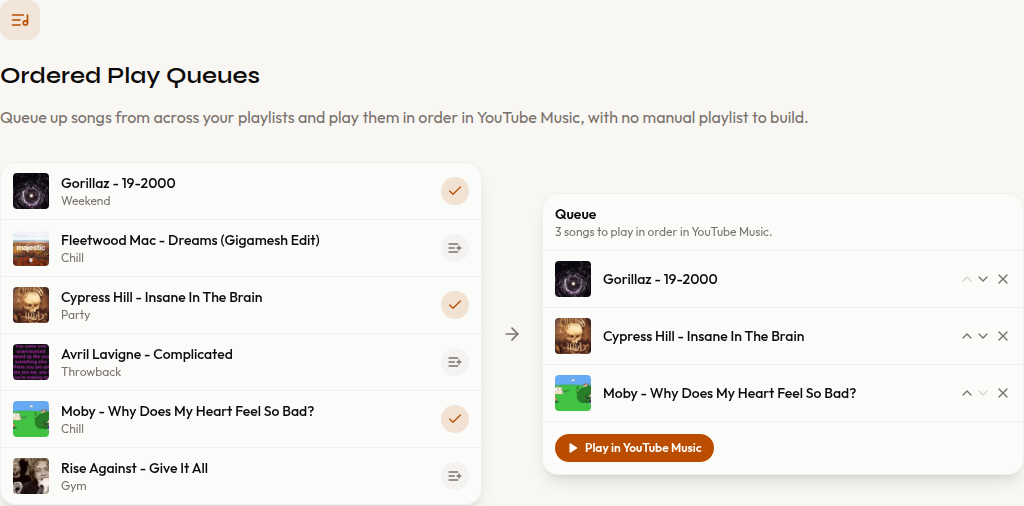
Play queues. You pick songs from any of your playlists and put them in the order you want. You press play in the app and you get redirected to YouTube Music with the queue of your selected songs ready to play.
Liked Music. You can also track your Liked Music, the list of songs you’ve thumbed up.
Quota and timeouts
YouTube’s API has a quota. In July I spent a lot of time on syncing big libraries. I had the playlist settings page check the sync status every 3 seconds, and on every check I was calling the YouTube API, so I was spending most of my API calls on those checks. I changed it to read the status from the database. I also kept hitting the job timeout on huge libraries, so I split a sync into one rate-limited job per playlist, each small enough to finish under its own timeout.
Where it is now
As of October 26, 2026, 601 users track 9,472 playlists and 645,133 songs with it.